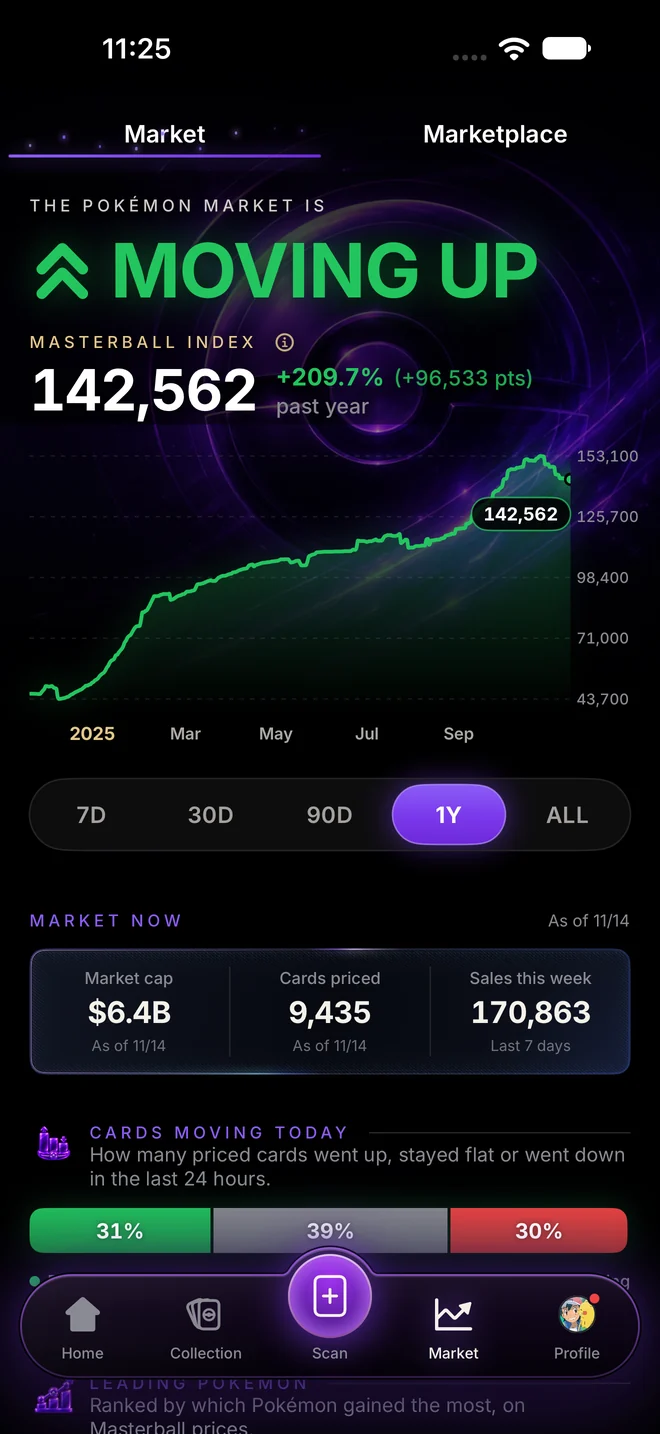
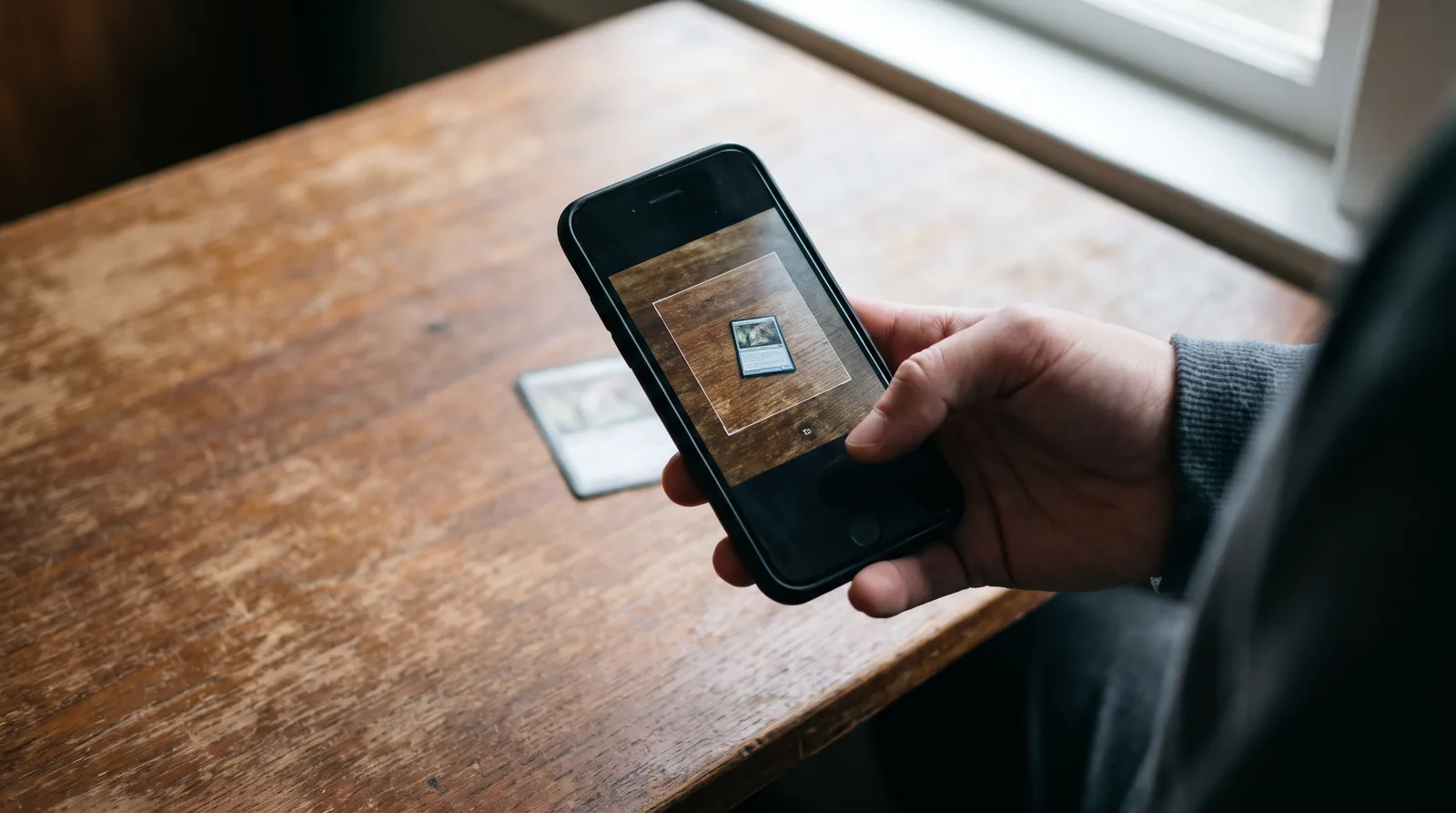
The best Pokémon card scanner app is the one that gets the exact card right, including the printing and the grade, and shows prices from real sales rather than asking prices. Speed matters, but accuracy matters more: a scanner that mixes up 1st Edition and Unlimited is off by thousands of dollars.
What to look for
1. It gets the printing right
Many Pokémon cards exist in several versions with the same art: holo and reverse holo, 1st Edition and Unlimited, regular and stamped. The Base Set Charizard is the extreme case: the same picture is worth about $1,414 in PSA 9 Unlimited and $78,000 in PSA 9 1st Edition. A good scanner reads the small details, like the edition stamp, and lets you correct it when it is unsure.
2. It handles slabs
Graded cards should scan as graded cards, with the company and grade read from the label. A scanner that treats a PSA 10 as a raw card gives you the wrong price.
3. Prices come from sales
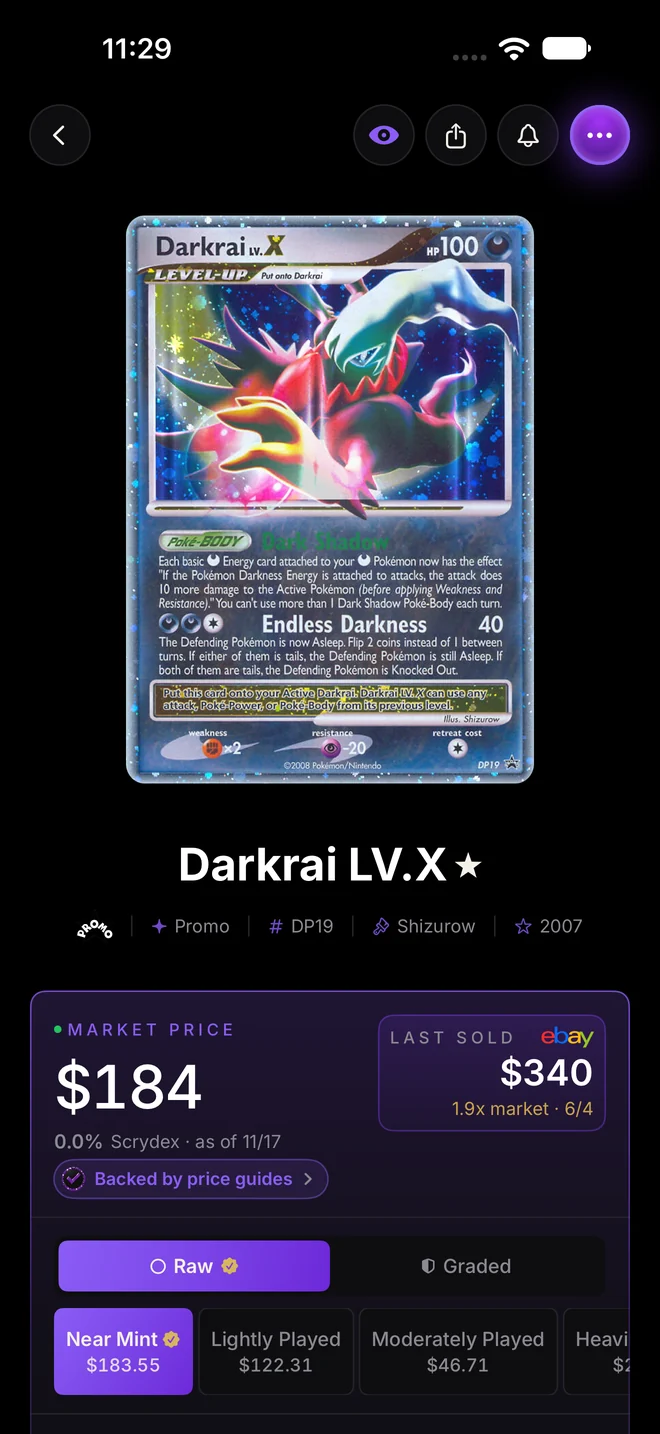
There is a big difference between what a card is listed for and what it sells for. Look for an app that shows recent completed sales and says where they came from. Our guide to what your card is worth explains why.
4. It covers what you collect
English, Japanese, vintage, promos and sealed product all need coverage. Check that the sets you care about are there before you scan a whole collection.
5. It works in bulk
If you have hundreds of cards, scanning one at a time gets old fast. Bulk scanning, where you can photograph a binder page or a row of cards at once, saves hours.
6. Your collection goes somewhere useful
Scanning is only the start. A good app keeps your collection, tracks its value over time, and lets you export it if you ever want to leave.
The apps collectors use
The Pokémon scanner space is crowded. Collectr, the TCGplayer app, Dex, Pokellector, Ludex and CollX are all popular, along with the official Pokémon TCG card apps. Each has its own strengths, so try a few against the same stack of cards, especially ones with tricky printings, and see which gets them right.
Our app
We built Masterball because we wanted the scanner to get the hard cases right: printings, slabs and Japanese cards, priced from real sales across eBay, Fanatics, Goldin, Alt and other venues.

Masterball scans raw cards, slabs and Japanese cards, reads the printing and grade, and shows every sale behind the price. Point the camera at a binder page and it reads up to nine cards at once.
Test it yourself
The best test is simple. Take ten cards you know well, including a reverse holo, a slab and something older than 2010. Scan them in each app you are considering. Count how many come back as the exact card, printing and grade. That number tells you more than any review.